Remote Controls
SunBrite Outdoor Remote Control
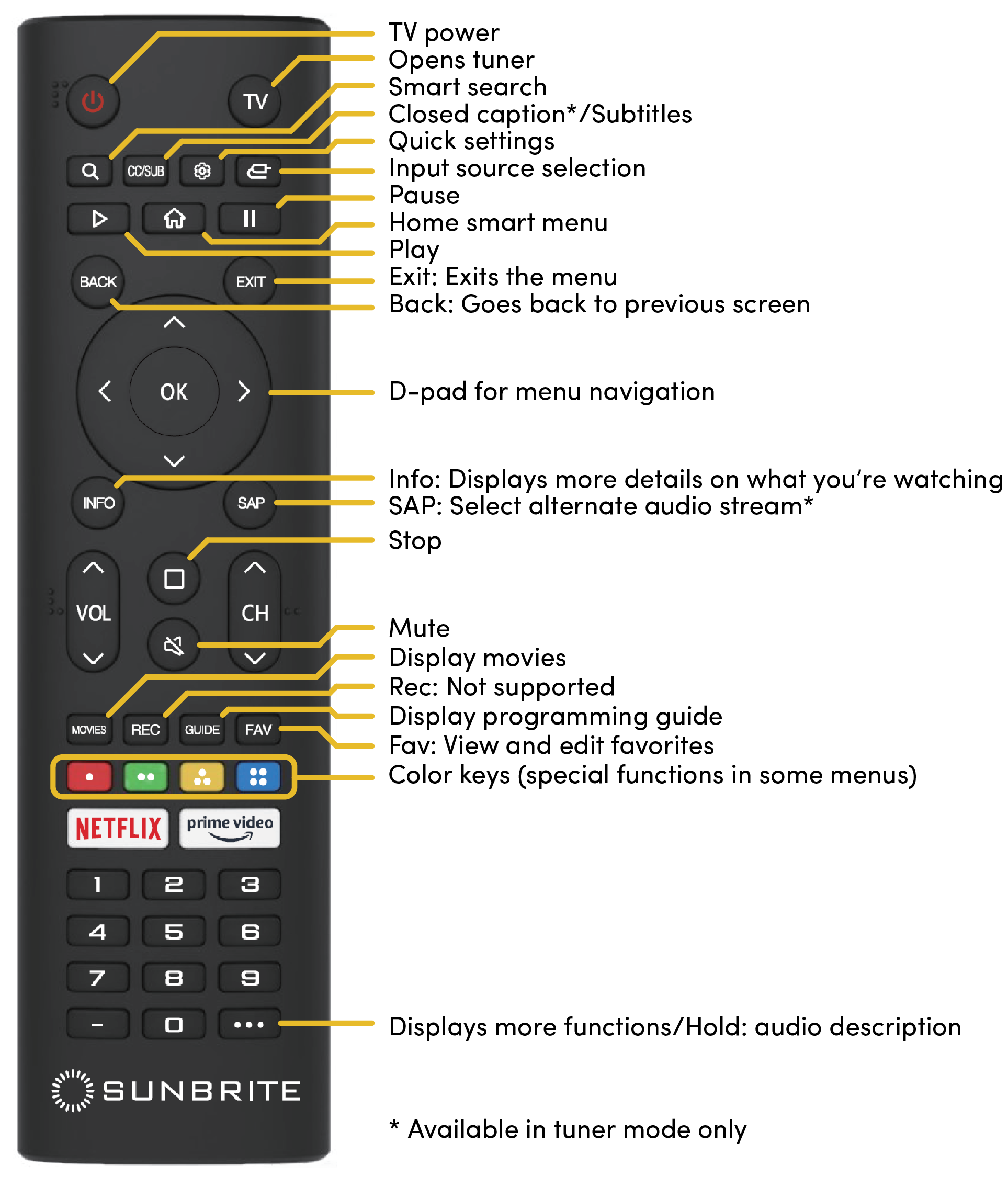
Note: The SunBrite Outdoor Remote uses IR only. It does not support voice control.
Requires 2 AAA batteries (included).
Requires small Phillips screwdriver to remove the four screws fastening the weather-resistant battery cover.
WebOS Remote Control
Caution: The WebOS Remote is not weatherproof and should be stored indoors.
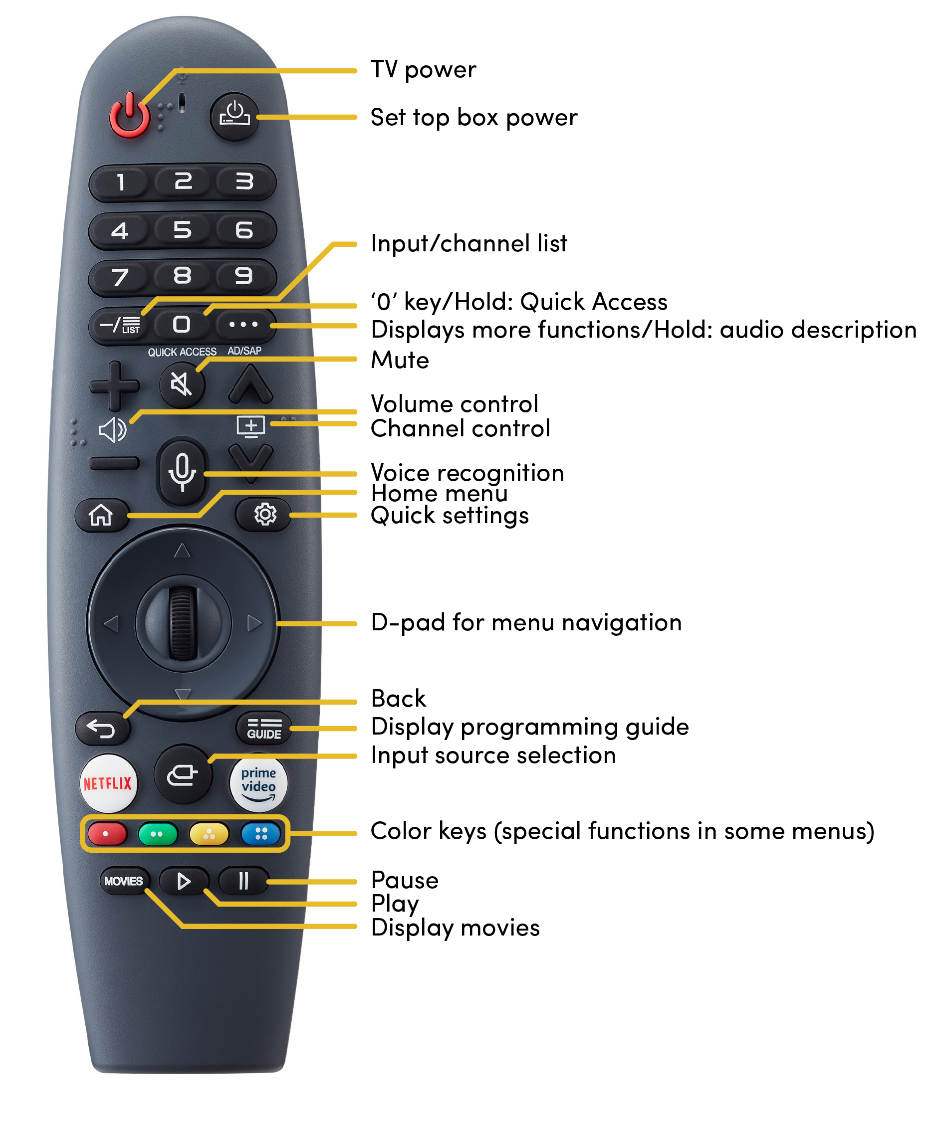
Requires 2 AA alkaline batteries, included.
Note: The WebOS Remote uses IR and Bluetooth.
Pairing the WebOS Remote
You must pair the WebOS Remote prior to use as follows:
-
Turn on the TV. After about 20 seconds, point the remote toward the TV and then press the Wheel (OK).
-
The remote control is automatically registered and the pairing completion message is displayed on the TV screen.
If the WebOS Remote failed to register, turn the TV off and back on. Then, try to register again.
Button Functions
Select Settings > Settings > General > Accessibility > Learn Remote Control. Follow the on-screen instructions. Press a button on the remote control for more information about the button.
Smart Device Remote Control
To control your TV using a smart device, download the official “LG ThinQ” app on Apple Store or Google Play.
Note: Beware of look-alikes! Download only the app that lists LG Electronics Inc. as the developer and shows the icon below.
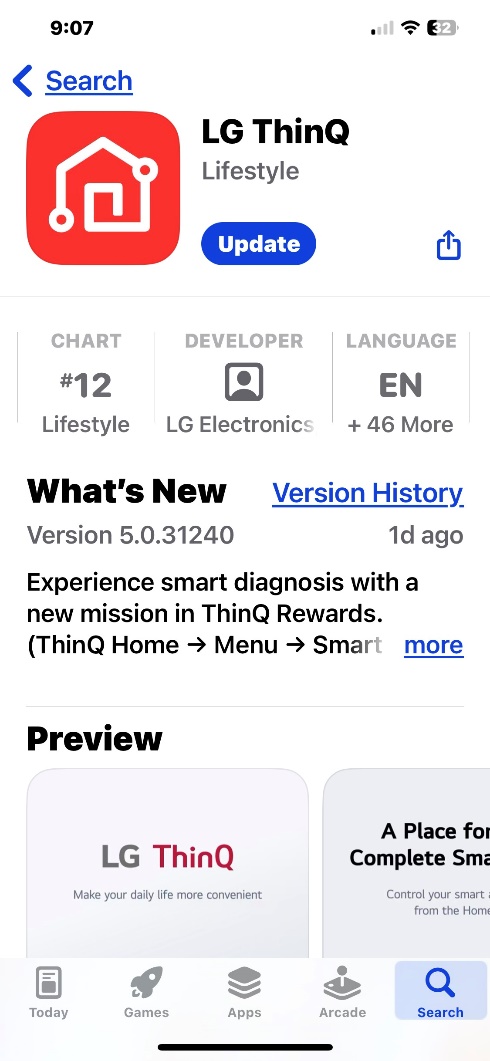
LG ThinQ app on Apple Store
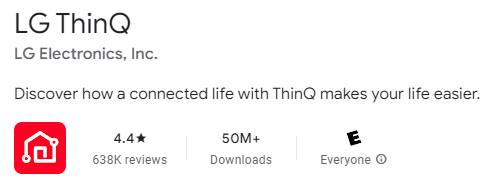
LG ThinQ app on Google Play
Once the app is installed, perform the following:
-
Follow the directions in the app.
-
Log in to your LG account.
-
Allow the app to use Bluetooth.
-
Tap Add Device > TV. The app searches for your TV.
-
Pair the TV with the app by entering the on-screen code.
-
Follow the remaining directions in the app.
Set up TV On with Smart Device Remote Control
To set up WOL (Wake-On-LAN) or Bluetooth to work using a smart device as the remote control, perform the following:
For Wi-Fi control, navigate to All Settings > General > Devices > External Devices > TV On With Mobile > Turn on via Wi-Fi. Set ‘Turn on via Wi-Fi’ to ‘On’.
Note: This must be set even when controlling via a wired LAN.
To control via Wi-Fi, the router must support Wireless Multimedia Extensions (WME or WMM).
Bluetooth control is also available.